
We raised a $50M Series B led by BenchmarkLearn more
Gumloop Icon
Gumloop x APIFY

Gumloop x APIFY

Access Apify data you need with just a prompt

features

Prompt, Connect, and Automate

Get data from top Apify Actors—Instagram, Tiktok, Youtube, Google Maps—directly in Gumloop. No coding required. Simply prompt to get the data you need, analyze it, send it to your tools and automate.

Prompt to get the data you need

Send it to AI

Get content ideas, monitor social media, and more

guide

How It Works

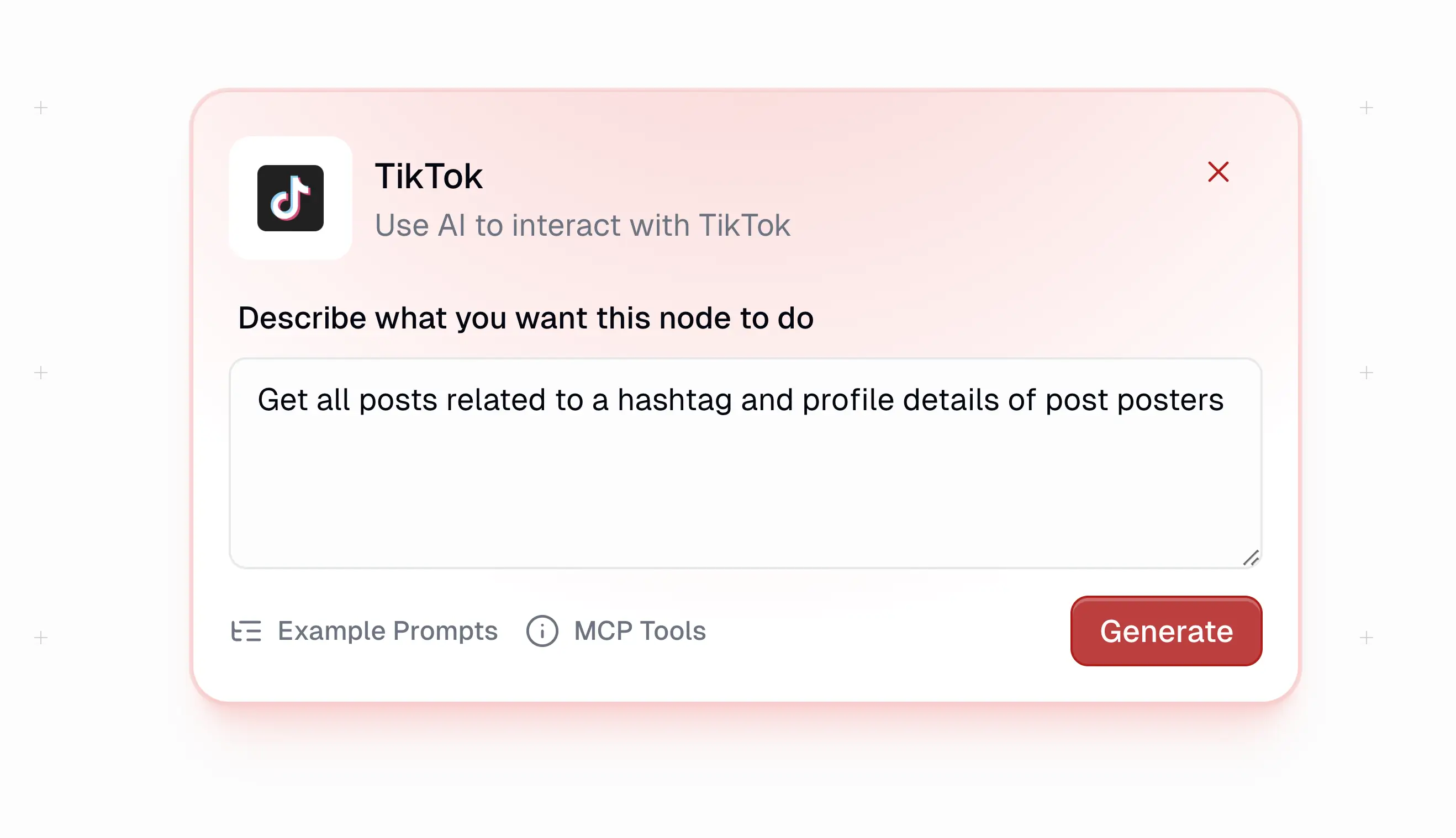
Step 1

Prompt an Apify Actor: Youtube, Instagram, Google Maps or TikTok
/images/integrations/apify/Apify prompt.webp
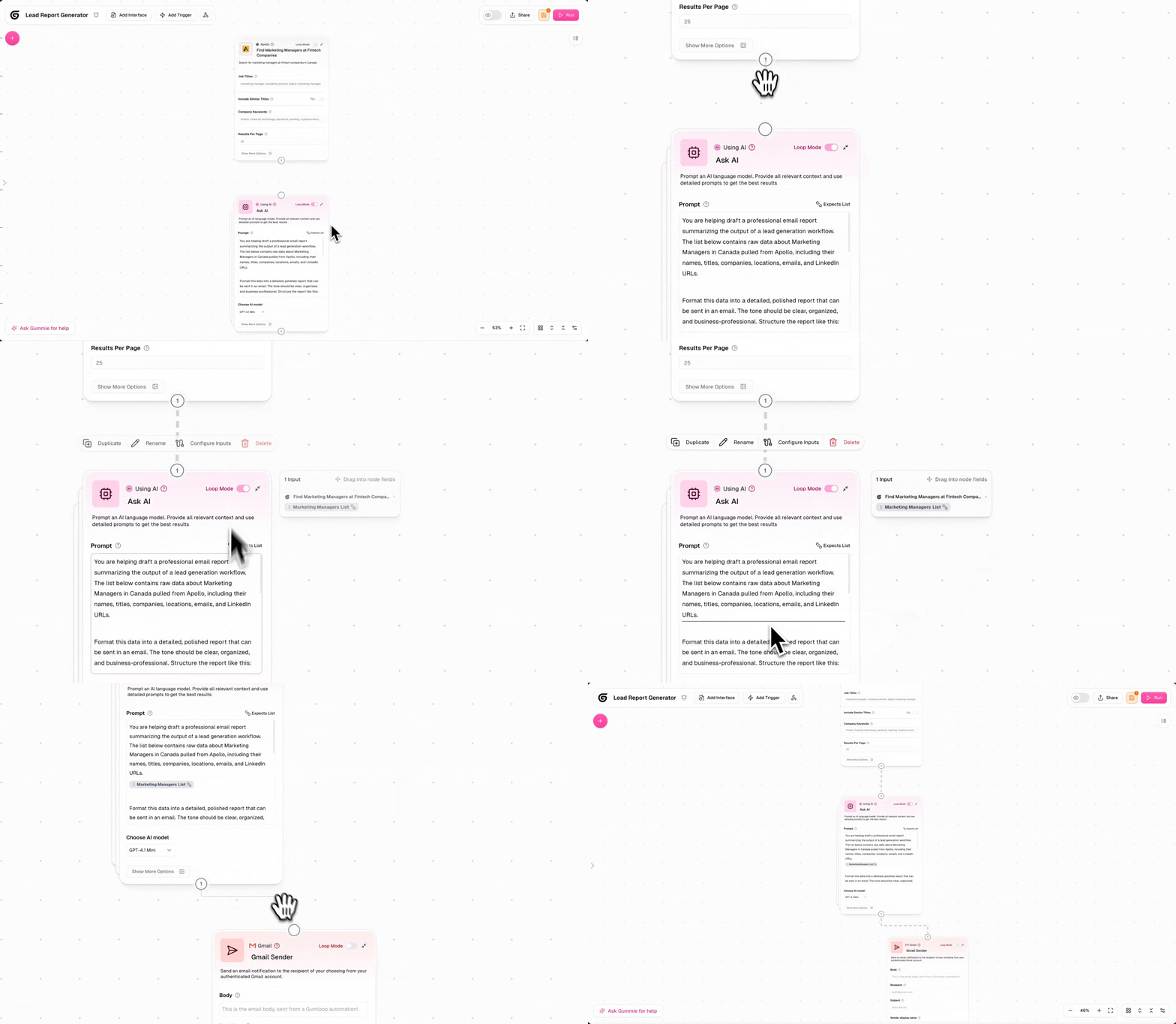
Step 2

Connect to your tools or send to AI for analysis
/images/integrations/apollo/connect.gif
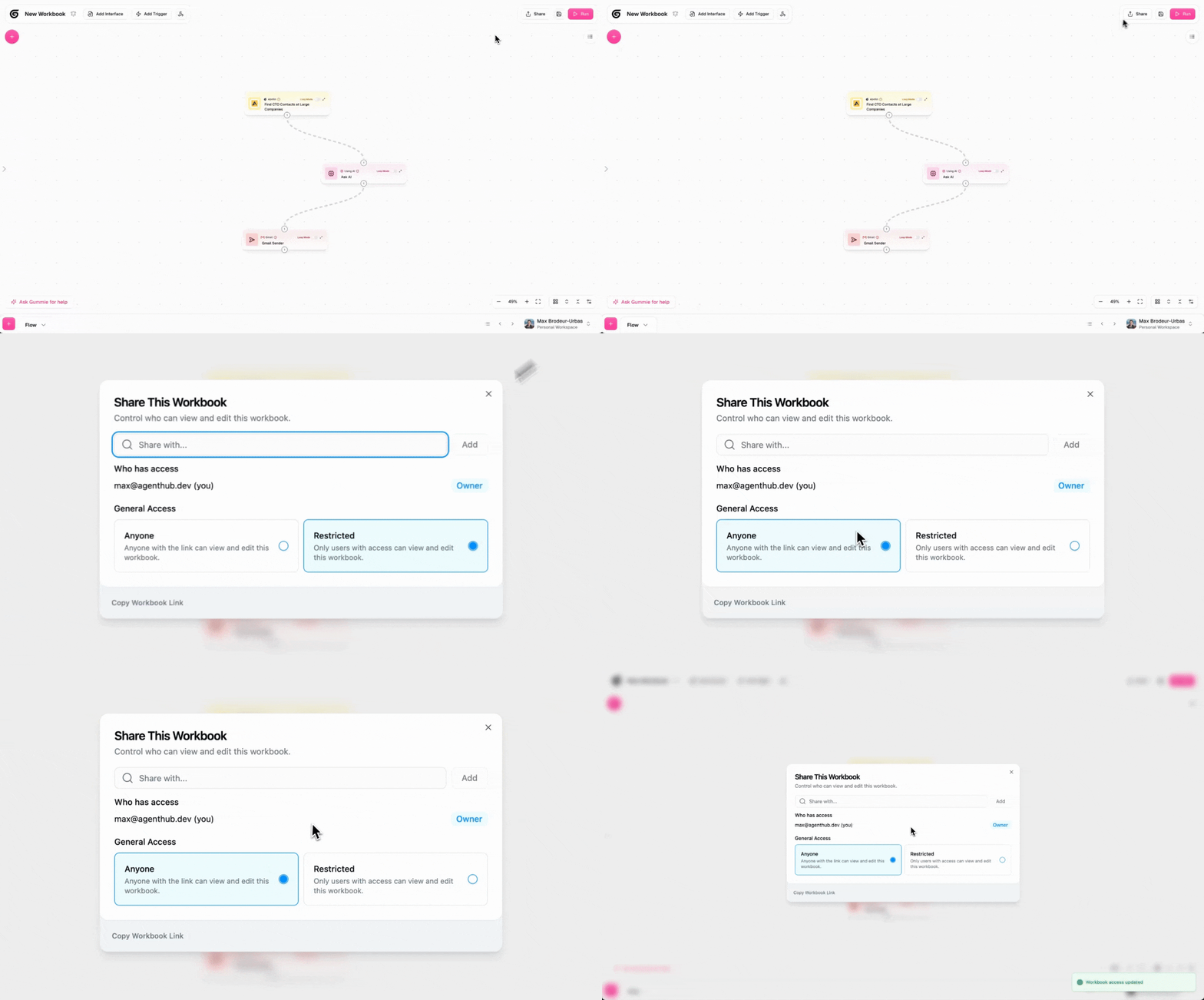
Step 3

Save the flow and share it with the rest of your team
/images/integrations/apollo/save.gif
openai logo
anthropic logo
perplexity logo
gemini logo
github logo
supabase logo
azure logo
amazon logo
bigquery logo
firestore logo
apify logo
phantom buster logo
linear logo
clickup logo
monday logo
notion logo
airtable logo
slack logo
discord logo
mailgun logo
gmail logo
outlook logo
openai logo
anthropic logo
perplexity logo
gemini logo
github logo
supabase logo
azure logo
amazon logo
bigquery logo
firestore logo
apify logo
phantom buster logo
linear logo
clickup logo
monday logo
notion logo
airtable logo
slack logo
discord logo
mailgun logo
gmail logo
outlook logo
google logo
hacker_news logo
rss logo
google alerts logo
reddit logo
twitter logo
linkedin logo
meta logo
google analytics logo
semrush logo
hubspot logo
salesforce logo
attio logo
gdocs
gsheets
google calendar logo
typeform logo
ghost logo
gdrive logo
wordpress logo
youtube logo
zendesk logo
translate logo
google logo
hacker_news logo
rss logo
google alerts logo
reddit logo
twitter logo
linkedin logo
meta logo
google analytics logo
semrush logo
hubspot logo
salesforce logo
attio logo
gdocs
gsheets
google calendar logo
typeform logo
ghost logo
gdrive logo
wordpress logo
youtube logo
zendesk logo
translate logo
Gumloop Icon

Automate your first workflow with Gumloop